Put a grid on any map. Then plan on it.
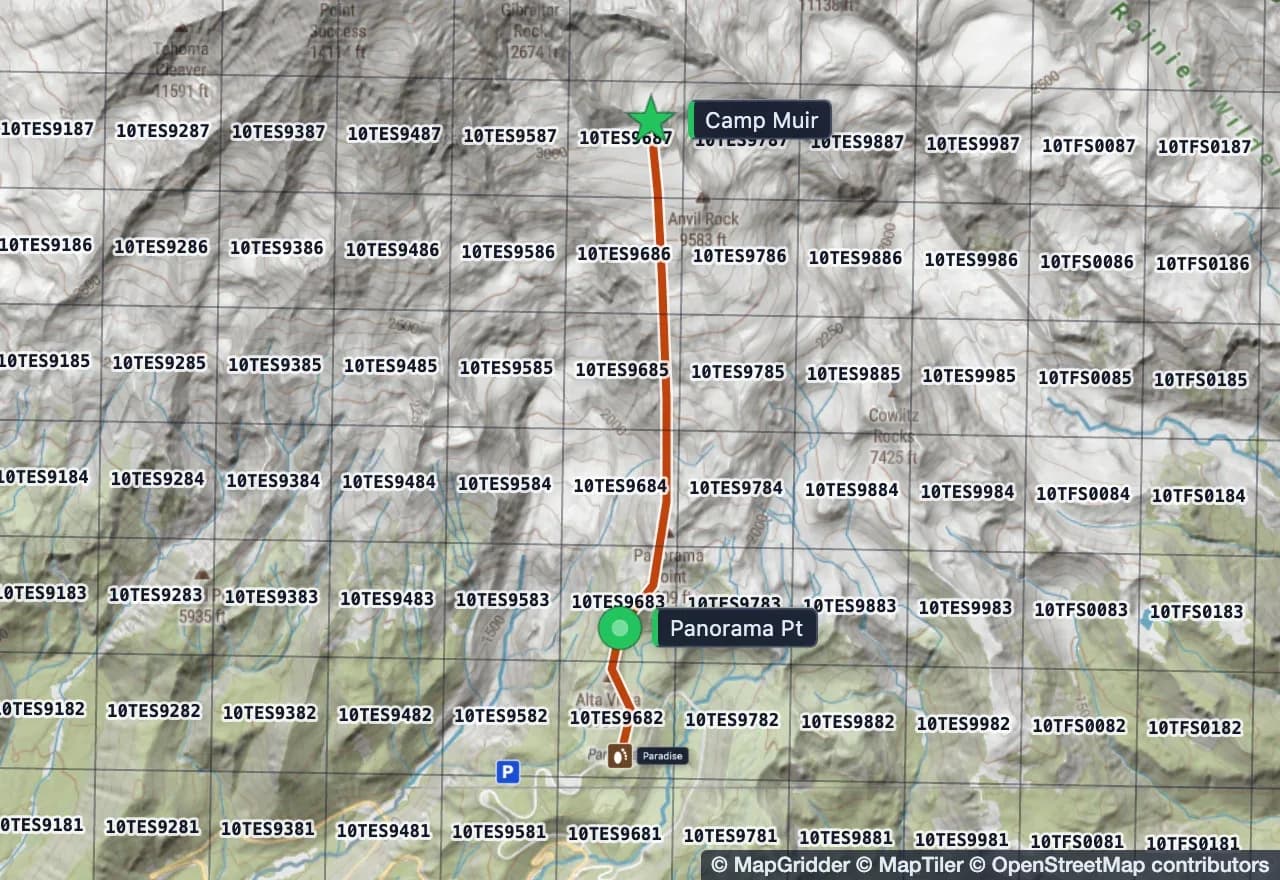
Open a live map, lay an MGRS, UTM or custom metric grid over it, draw the plan, and take it with you as GPX, KML or a GeoPDF your GPS app reads offline. Nothing to install.
Lay an MGRS, UTM or metric grid on a live map, draw the plan, take it along as GPX, KML or an offline GeoPDF. Nothing to install.
Opens GPX, KML, KMZ, GeoJSON, GeoTIFF, GeoPDF, JPG and PNG
Tell us what you are doing.
It eats every file you have.
And gives it back in whatever the next tool wants.
Comes in
- GPXtracks, routes, named waypoints
- KML, KMZplacemarks, paths, unpacked in the browser
- GeoJSONpoints, lines, polygons, properties
- GeoTIFFplaced from its own tags
- GeoPDFtrail sheet or topo quad, pinned
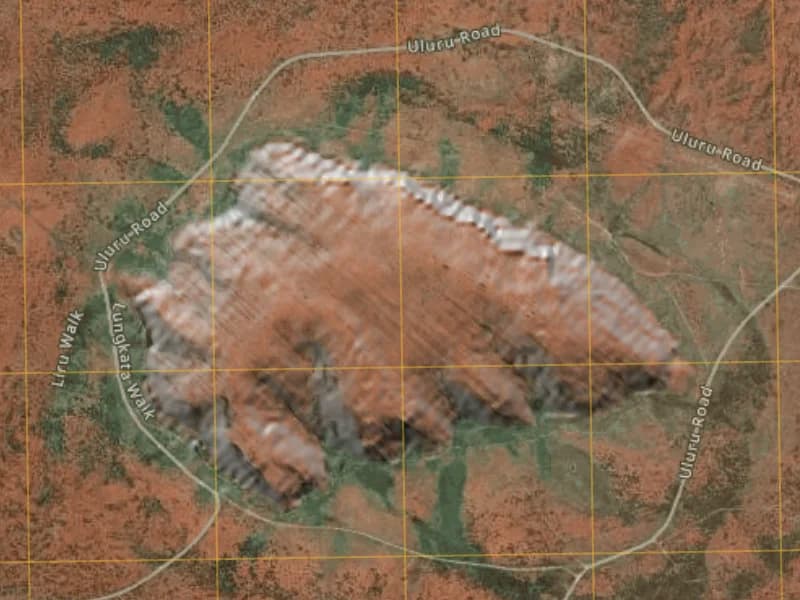
- JPG, PNGanchored by hand as a GRG
© MapGridder © MapTiler © OpenStreetMap contributors
Goes out
- GPX, KMLwatch, handheld, phone app
- GeoJSONfor the GIS people, everything you drew
- PNGmap, grid and markup at export size
- Print PDFA4, A3 or Letter, true scale at 300 DPI
- GeoPDFlive position offline
- Read-only linkno account to view, up to thirty days
Prepare the map here. Walk with it offline.
Plan the route on a big screen where you can actually see the ground, then export a GeoPDF. Open it in an offline map app on your phone and your live position sits on your own sheet, grid, route and all, with no signal and no data.
- A geospatial PDF (GeoPDF) out, ready to open in your favorite offline app, Avenza Maps included, and back in when someone sends you one
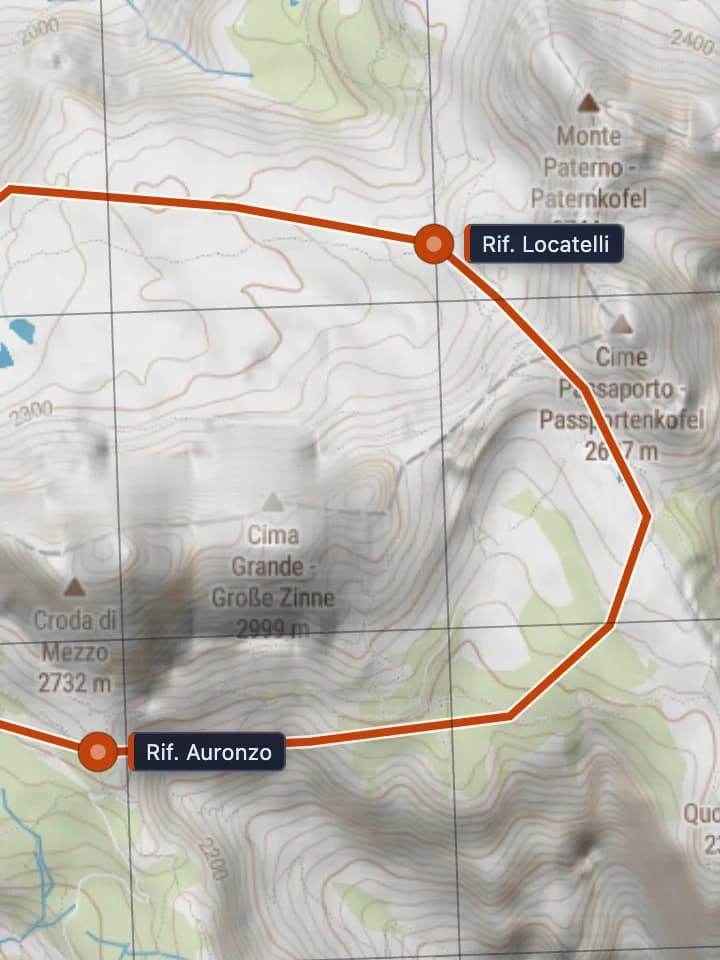
- True-scale print sheets at 1:25,000 on A4, A3 or Letter, at 300 DPI
- GPX out for the watch or handheld, GPX and KML in from anything you already recorded
- The same sheet, shared as a read-only link, for the people staying at the trailhead
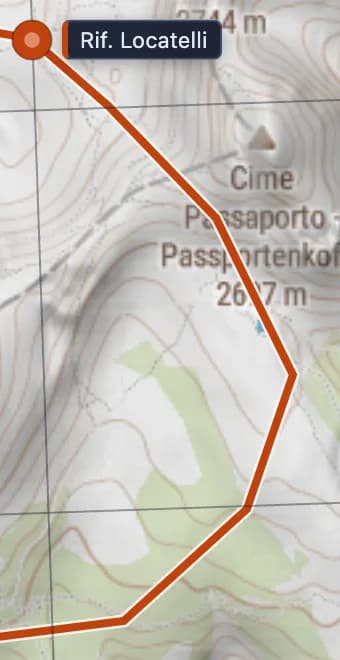
© MapGridder © MapTiler © OpenStreetMap contributors
Things we thought about so you do not have to.
Close the tab mid-plan. It is there when you come back, on this device or, signed in, on any other.
Your read-only link works for anyone for up to thirty days, then quietly expires. Nobody has to make an account to look at your map.
A 1:25,000 sheet printed at 300 DPI measures right against a ruler. Grid lines land on the paper where the math says they should.
Press any spot and read it as MGRS, UTM, lat/long, Maidenhead, GARS or a Plus Code, all at once.
Drop a site photo, a floor plan or a satellite print on the map, pin its corners, and hand out a gridded reference graphic everyone reads the same way.
Sun, slope, weather, fires and whose land you are on. On the same map, on top of your plan.
Pro is coming soon.
Until it opens, every signed-in account has everything on this page. Personal and non-commercial use is free; commercial use needs a paid license.
Questions people search before they get here.
MapGridder is a browser-based map editor for people who plan on maps. It puts a coordinate grid on a live map, lets you draw the plan on top, and hands it back as GPX, KML or a GeoPDF. Nothing to install.
What is MapGridder?
MapGridder is a browser-based map editor. It puts a coordinate grid on a live map (MGRS, UTM, lat/long, GARS, Maidenhead, Plus Codes or a custom metric grid) and lets you draw routes, waypoints, measurements, tactical symbols and search sectors on top, then export the result as GPX, KML, GeoJSON, PNG, a print PDF or a GeoPDF.
Is MapGridder free?
Personal and non-commercial use is free; commercial use needs a paid license. Until Pro opens, every signed-in account has the whole tool. After that, every grid, the drawing tools, the basic symbol sets, every import format and GPX, KML and GeoJSON export stay in Free, and Pro adds image, PDF and GeoPDF export, the deep zoom, the full symbol library and the live data layers.
Do I need to install anything?
No. MapGridder runs in a modern web browser on a laptop, a tablet or a phone. Your work autosaves in the browser as you go, and signed-in maps follow you to any other device.
Which grid systems does MapGridder support?
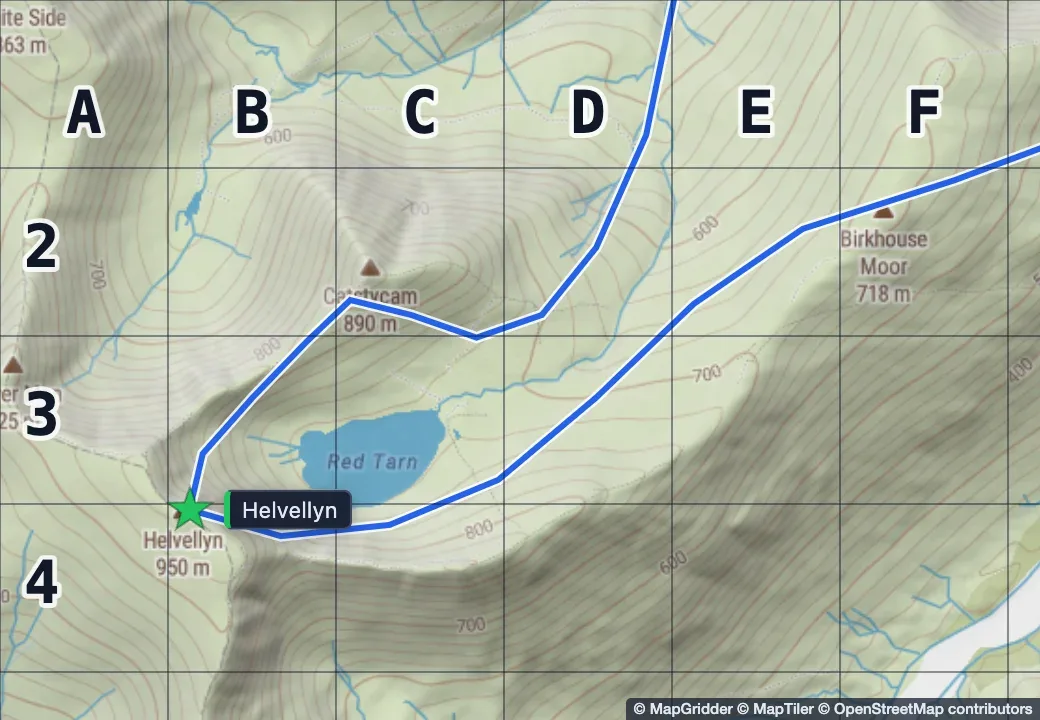
MGRS, UTM, a latitude and longitude graticule, GARS, Maidenhead, Plus Codes, and a custom metric grid from 10 m to 10 km with row numbers and column letters. Grid detail follows the zoom level, so the labels stay readable.
Can I open a GPX, KML, KMZ, GeoJSON, GeoTIFF or GeoPDF file?
Yes, all six, plus plain JPG and PNG images that you anchor by hand. Drop the file on the map. Tracks, routes and waypoints keep their names; a GeoTIFF or GeoPDF lands in its correct position from its own georeferencing.
What is a geospatial PDF (GeoPDF) and which apps open it?
A geospatial PDF is a PDF with the map's real-world coordinates embedded in the file. Most people call it a GeoPDF, which is a trademarked name for one flavor of the same idea; MapGridder writes the open geospatial form. Offline GPS map apps on iOS and Android open it and draw your live position on top of the map, with no signal. MapGridder exports one from your plan, grid and markup at true scale. GeoPDF export is part of Pro.
Can I use MapGridder offline?
The editor needs a connection, because the map itself is live. For the field, export a GeoPDF for your offline GPS app, a GPX for the watch or handheld, or a print PDF for paper. The GPX is in Free; the GeoPDF and the print PDF are part of Pro.
Does it do MGRS grids and MIL-STD-2525 symbols?
Yes. The MGRS grid follows zoom from grid zone down to 1 km squares, and down to 1 m on Pro. Read the MGRS reference at any point on the map. The symbol library covers MIL-STD-2525 units in friendly, hostile, neutral and unknown affiliations, plus maneuver drawings such as axis of advance, task lines and arcs. Free carries a basic set; Pro opens all 1,264 symbols.
Does MapGridder show BLM and other public land?
Yes, across the United States. The public lands layer colors BLM, national forest, national park and state land by the agency that manages it. Press any parcel to read its name, designation, manager and public access. The layer is part of Pro.
Can I share a map with someone who does not have an account?
Yes. Save the map, create a read-only link, send it. The viewer needs no account. Links last up to thirty days, and you can stop one at any time.
Where are my maps stored?
In your browser while you work, and on our server only when you choose to back a named map up to your account. Overlay image pixels stay on your device; only their placement goes with the backup.
Your map, your grid, your plan.
Open the editor, or start with the file you already have.